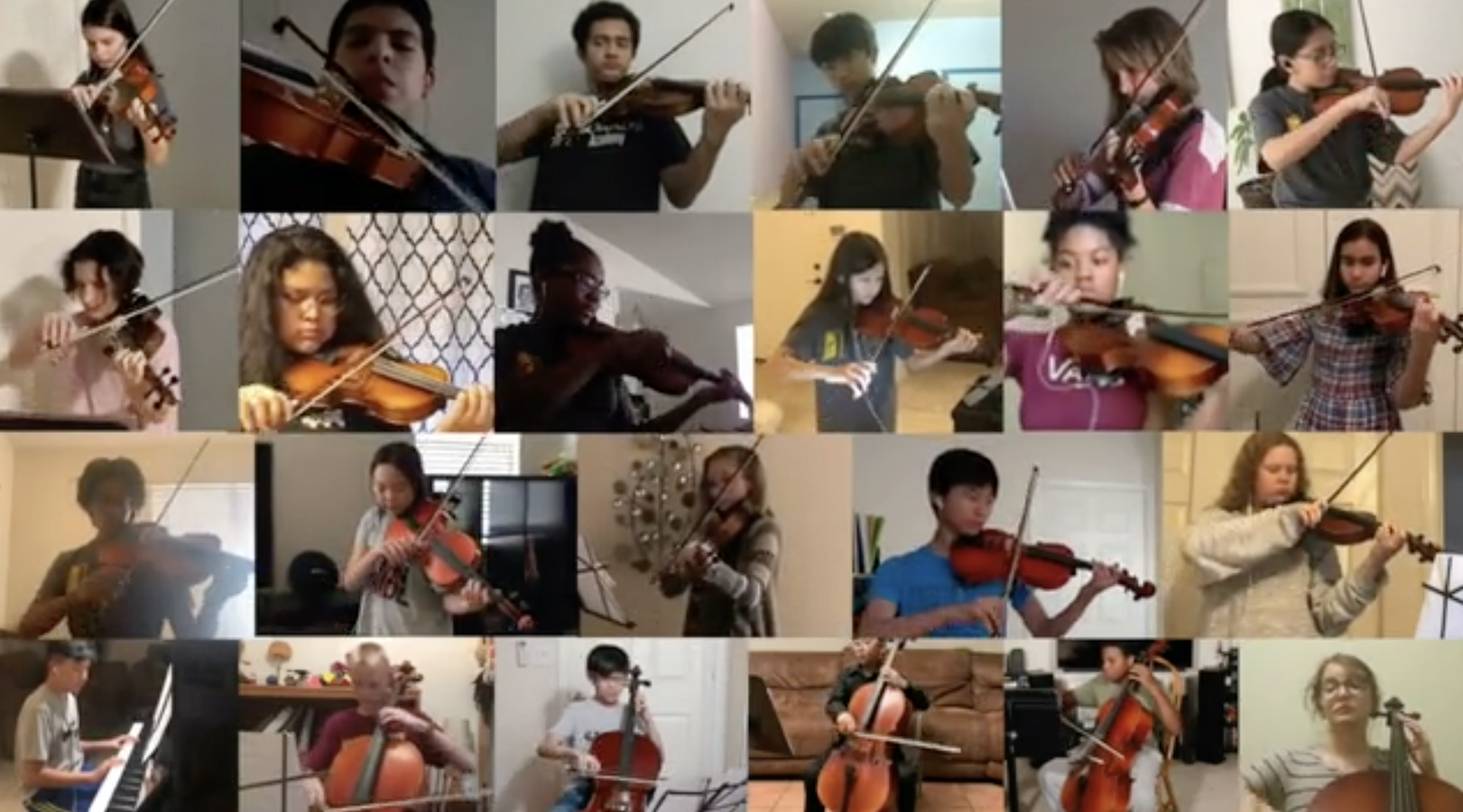
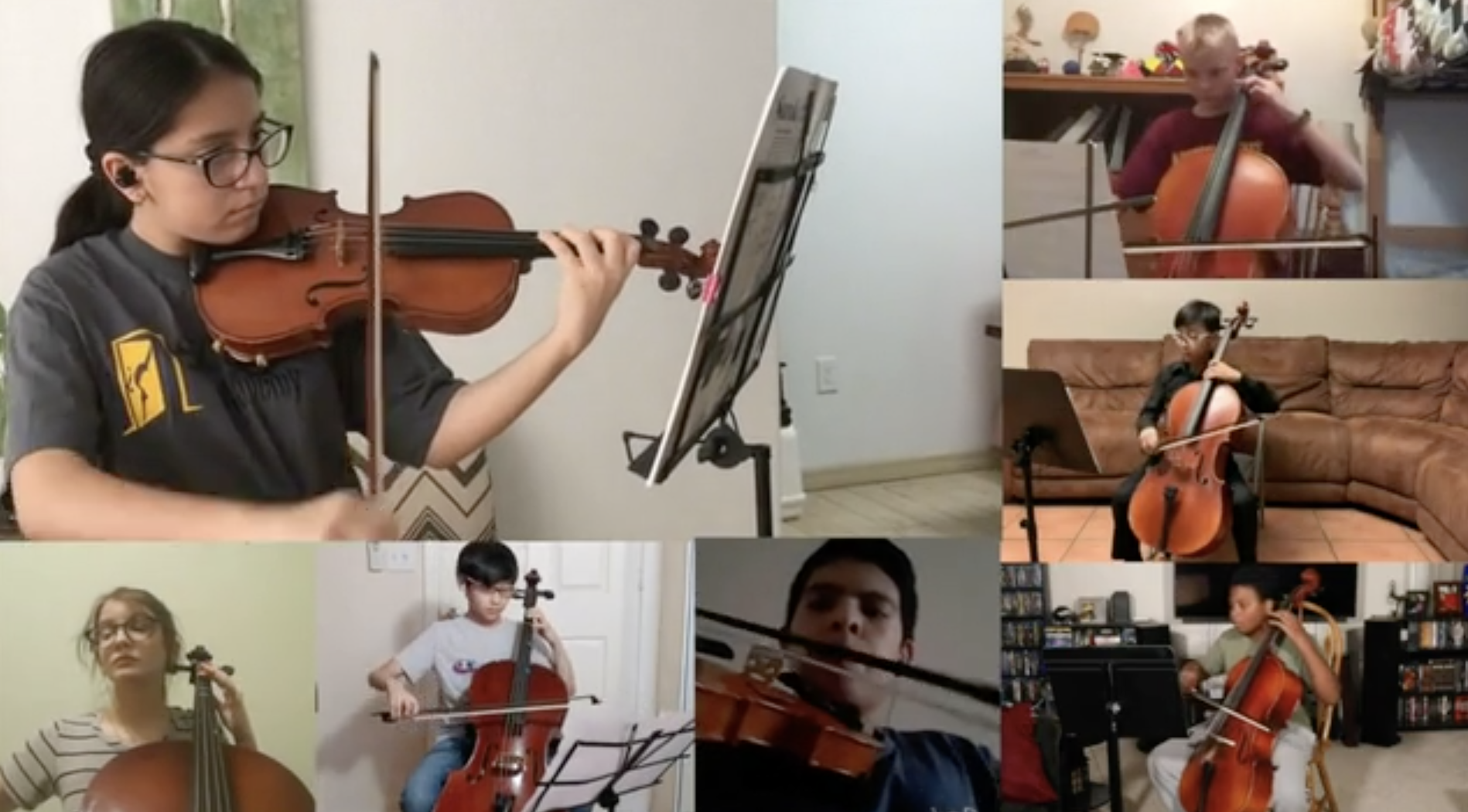
Steps For Recording A Video
Here are step-by-step directions and some tips to help make it look/sound as good as possible using a phone or tablet:
-
If you’re using a phone to record, please use the newest model phone available in your household, and use the REAR camera (not the front selfie camera). On iPhones, please visit your camera settings and choose “1080p at 30fps” and also choose “Most Compatible” in the Formats section.
-
Record in a space with limited background noise (ex: a ceiling fan, a heating or ac unit, a dishwasher or washing machine, someone talking in the background, etc.)
-
Try to record the video in a room that has less echo. A room with lower ceilings and carpet will provide a much better recording than a room with a hardwood or tile floor.
-
Be sure to have good light, and don’t point the camera at a window or lamp. It’s best to have the camera with its back to the window or light source, so the light shines on you instead of into the camera.
-
Hold the phone horizontally (in landscape mode. No vertical video please), hold it steady (use a stand/tripod if you have one), and get the camera close to you. You’ll want the camera fairly close for better sound. Have it far enough back that we can see you and your instrument, but not much further away than that.
-
Wait 5 seconds before speaking or playing and wait 5 seconds after speaking or playing. Have a big smile during the waiting period.
-
Record start-to-finish, all in one take. It’s ok if you make a mistake – if it’s a bad flub or you lose your place, please start over with a new recording.
-
When you’re done, figure out how to send the video file to us using the form in the next tab. Please don’t text or email it as an attachment – your phone will drop the quality. We recommend sending the file with WeTransfer or using a cloud service like Dropbox, Google Drive, Box, OneDrive or iCloud – whatever you’re familiar with or can get help uploading to. Use the highest quality setting you can!
Here are additional steps for recordings that have more than one part:
-
You’ll need two devices – one to listen to the reference guide audio track, and one to record the video. For example, you might listen to the music track on a laptop, and have your parent/friend film the video on your phone or iPad. (For collaboration and group projects)
-
You’ll need to listen to the music track with headphones (we don’t need to hear the audio track in the video recording). We recommend putting one headphone/earbud on one ear, and leaving one ear out so you can hear yourself playing naturally. (For collaboration and group projects)
-
Record start-to-finish, all in one take. It’s ok if you make a mistake – if it’s a bad flub or you lose your place, please start over with a new recording. Do your very best to play right in time with the play-along track – that’s the only way we’ll be able to synchronize everyone! (For collaboration and group projects)